A day at the salon.
Kyro Studio is the app where a salon keeps its bookings, clients and takings. This is a Friday, from 08:00 to 21:00.
-
The day is already arranged.
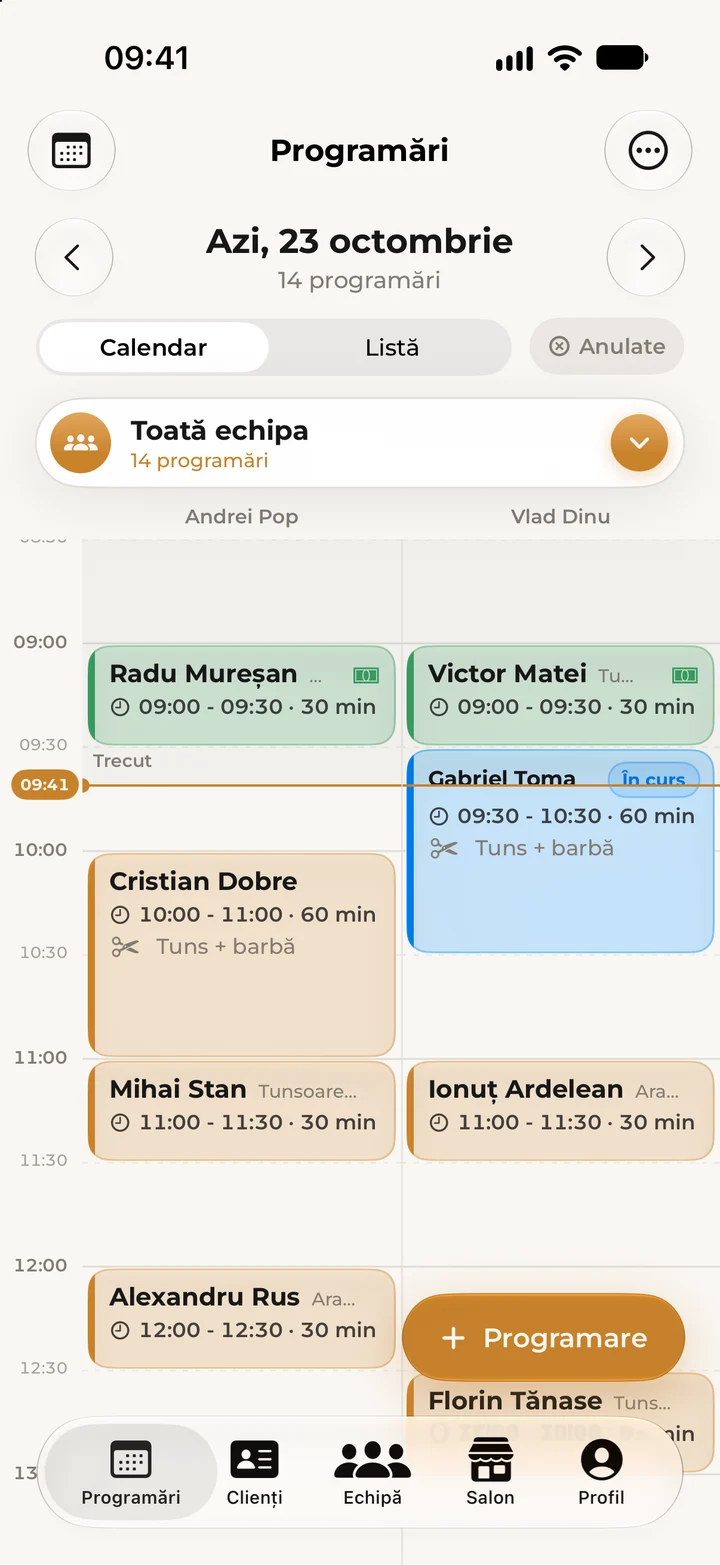
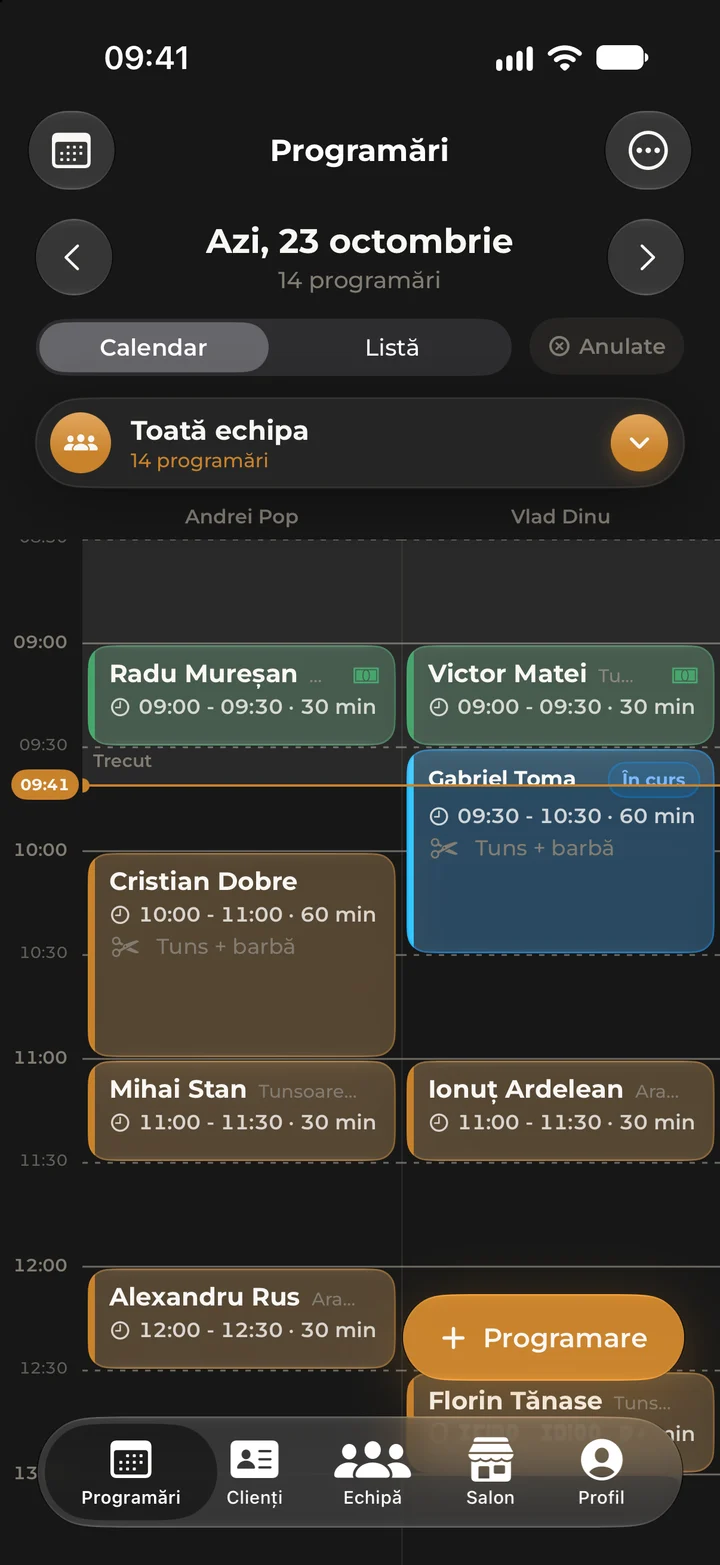
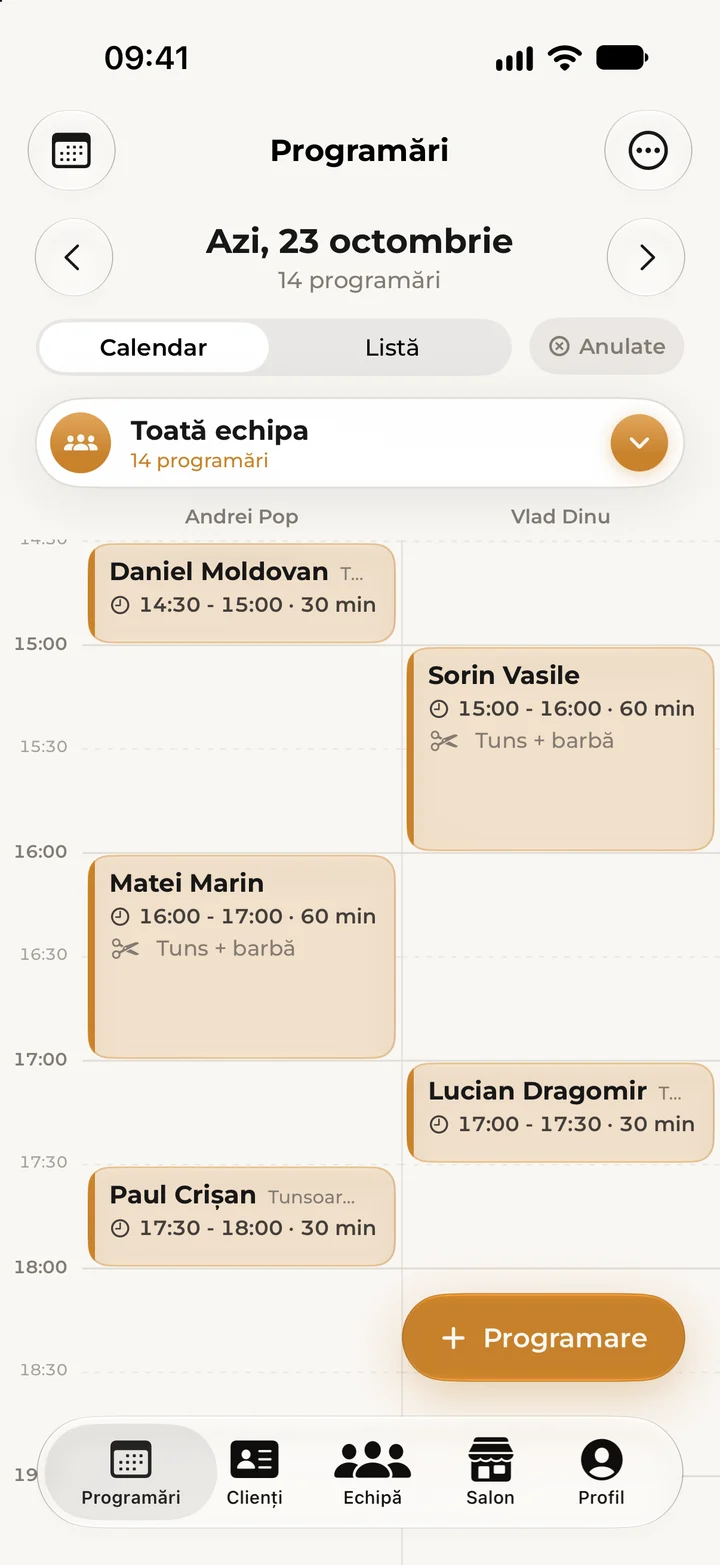
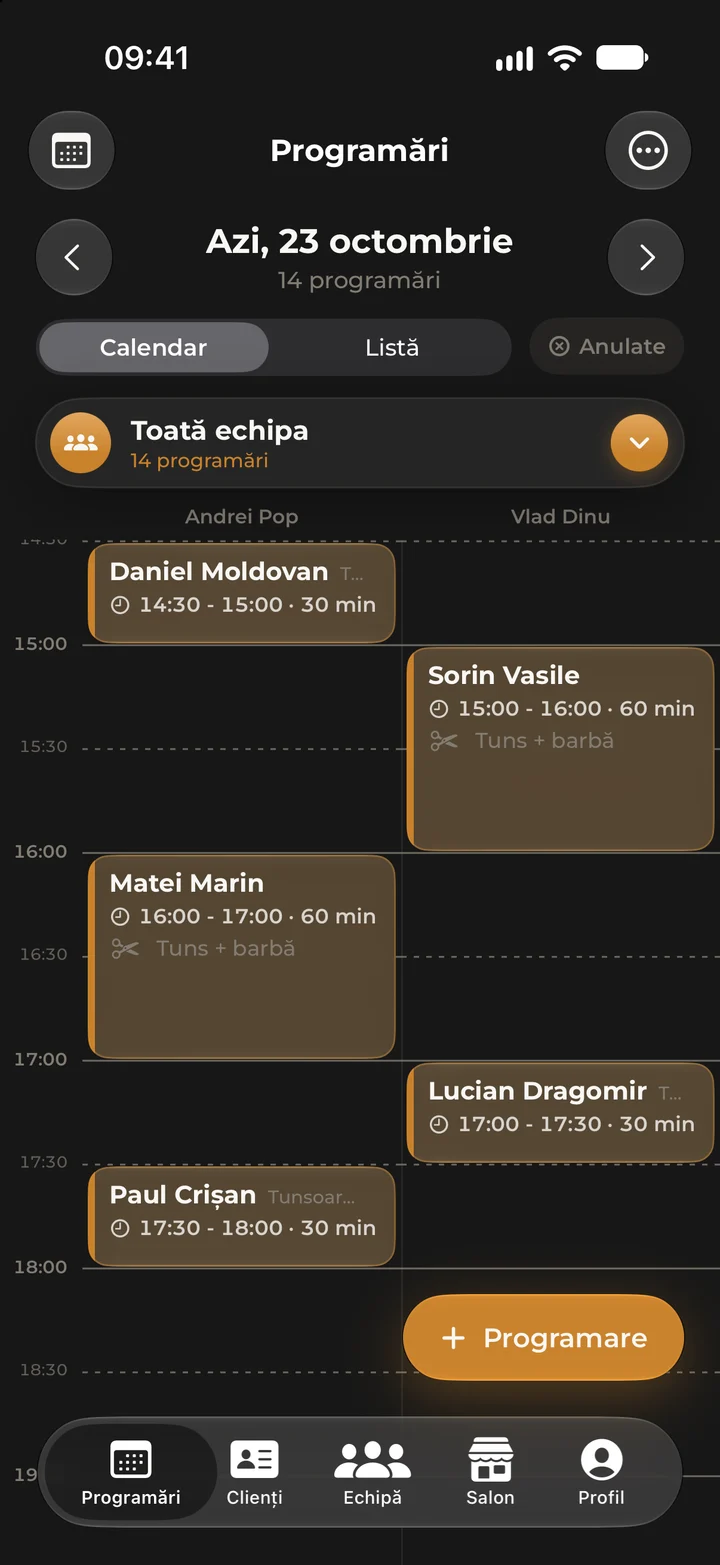
Open Kyro Studio and the salon’s whole day is there. Every specialist has their own column, and the bookings clients made are already in place. A walk-in takes a few taps, and an appointment moves when you drag it.
-
The phone doesn’t ring. The booking appears.
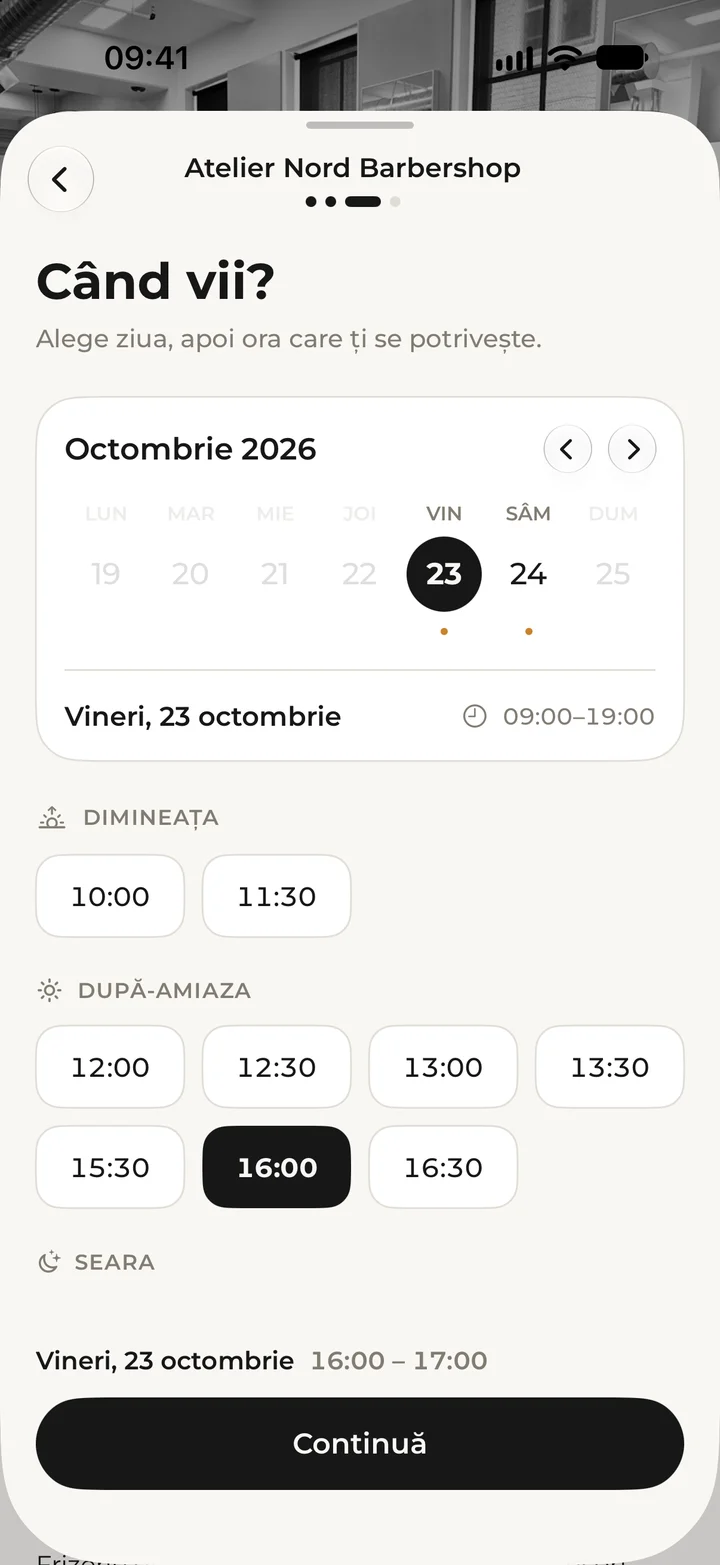
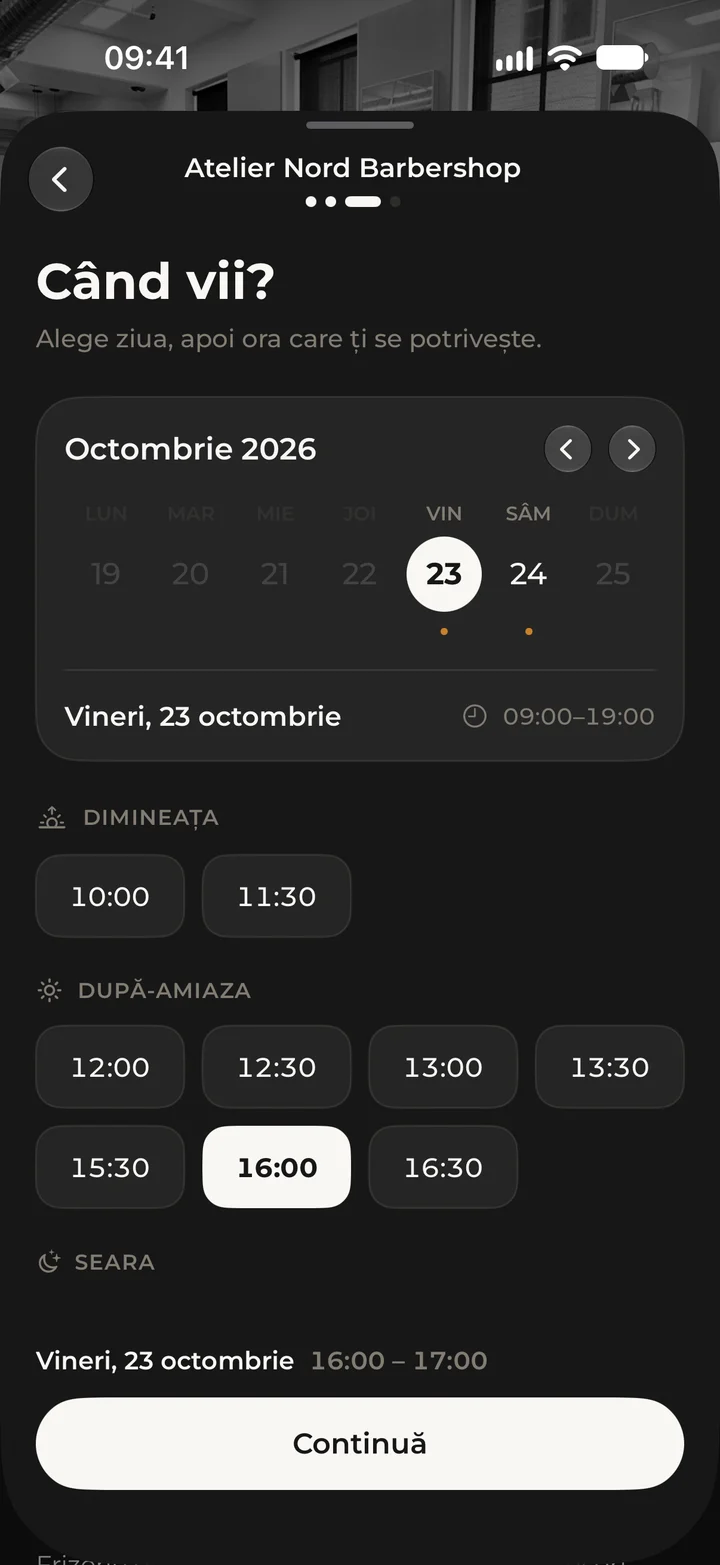
Matei picks his own time, in the Kyro app or on kyrobooking.ro: a haircut and beard trim, today at 16:00, with Andrei. The booking lands straight in Andrei’s column and he gets a notification. Nobody had to put the scissors down to answer.
-
You know who’s walking in.
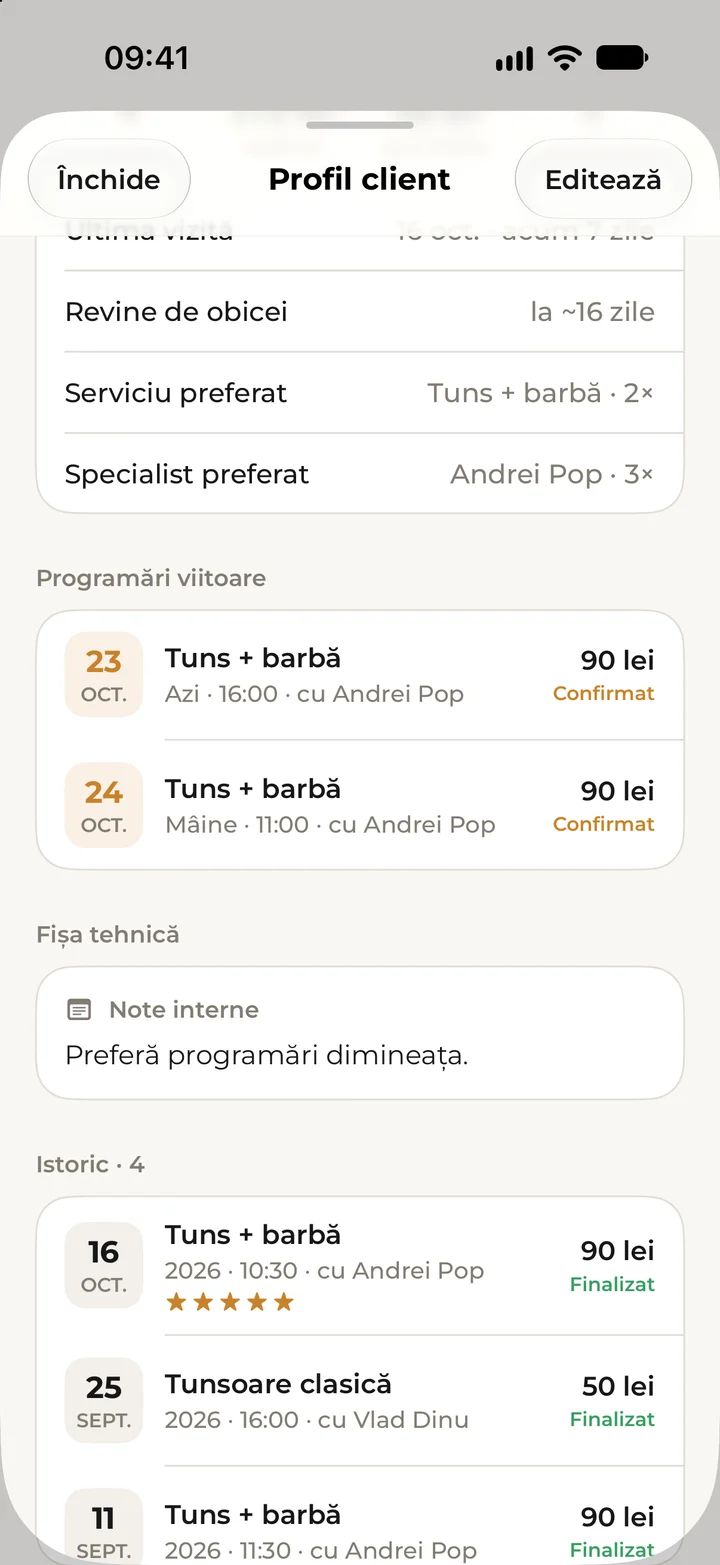
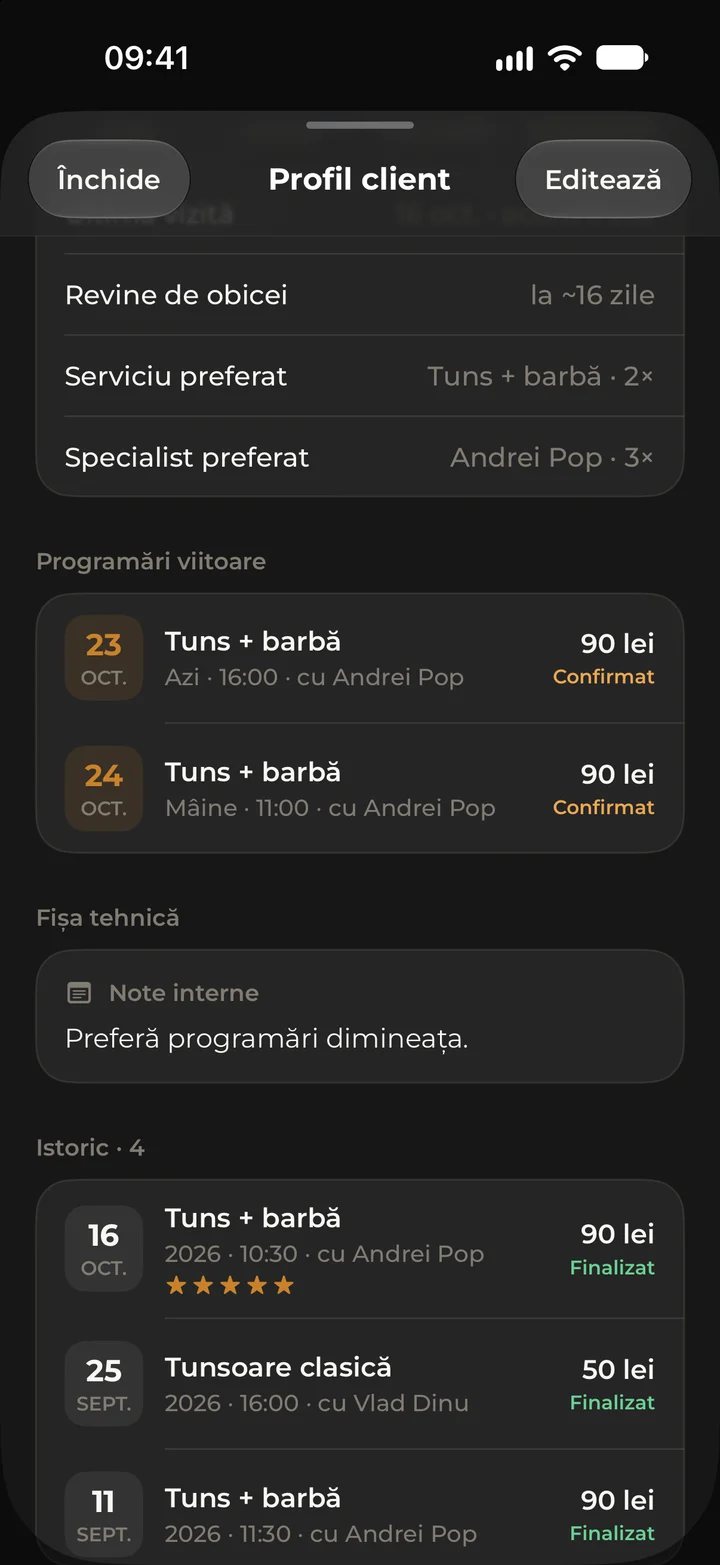
The client record tells you everything before you say hello: how often they come back, their favourite service and specialist, upcoming bookings, past visits and your private notes, which only your salon can see. Allergies, recorded only with the client’s consent, show as a warning on the record and on the appointment.
-
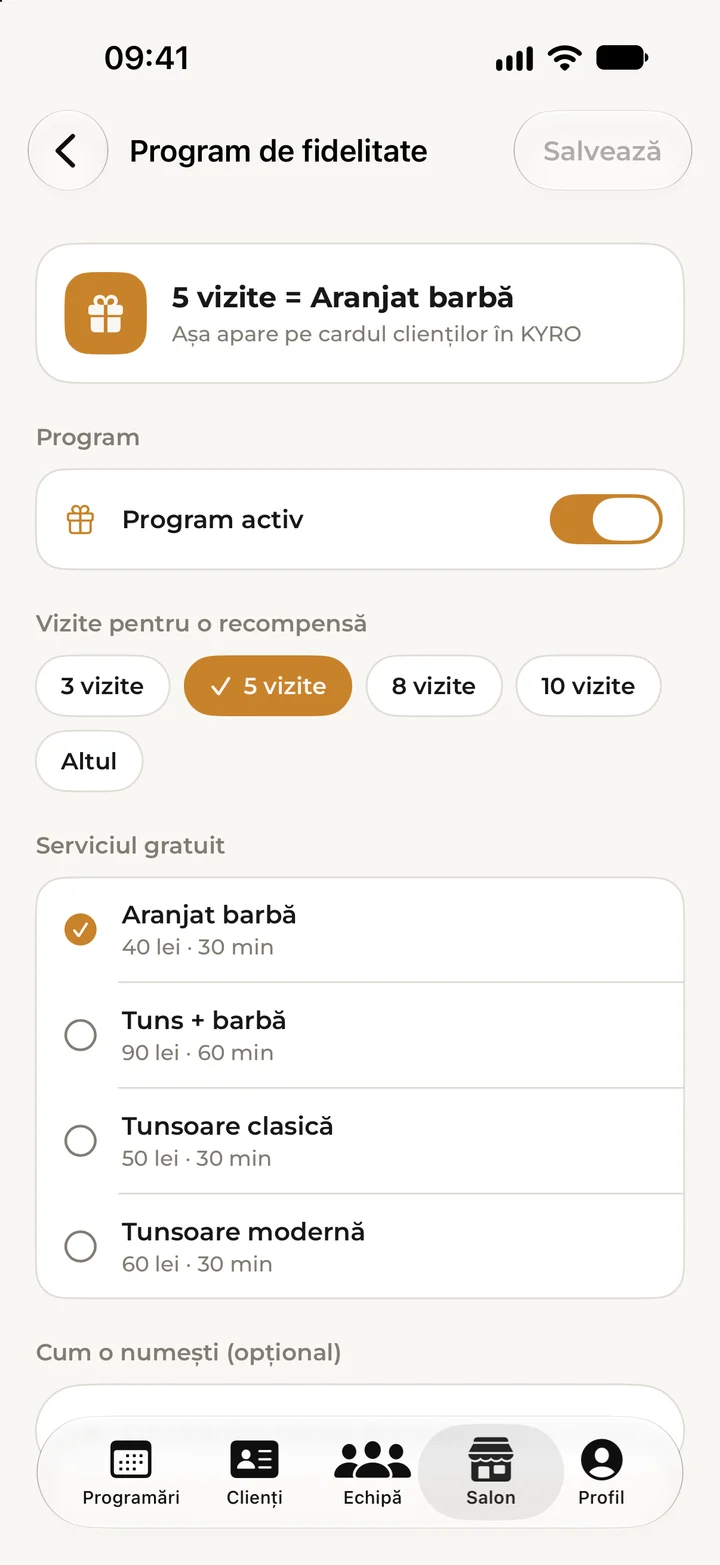
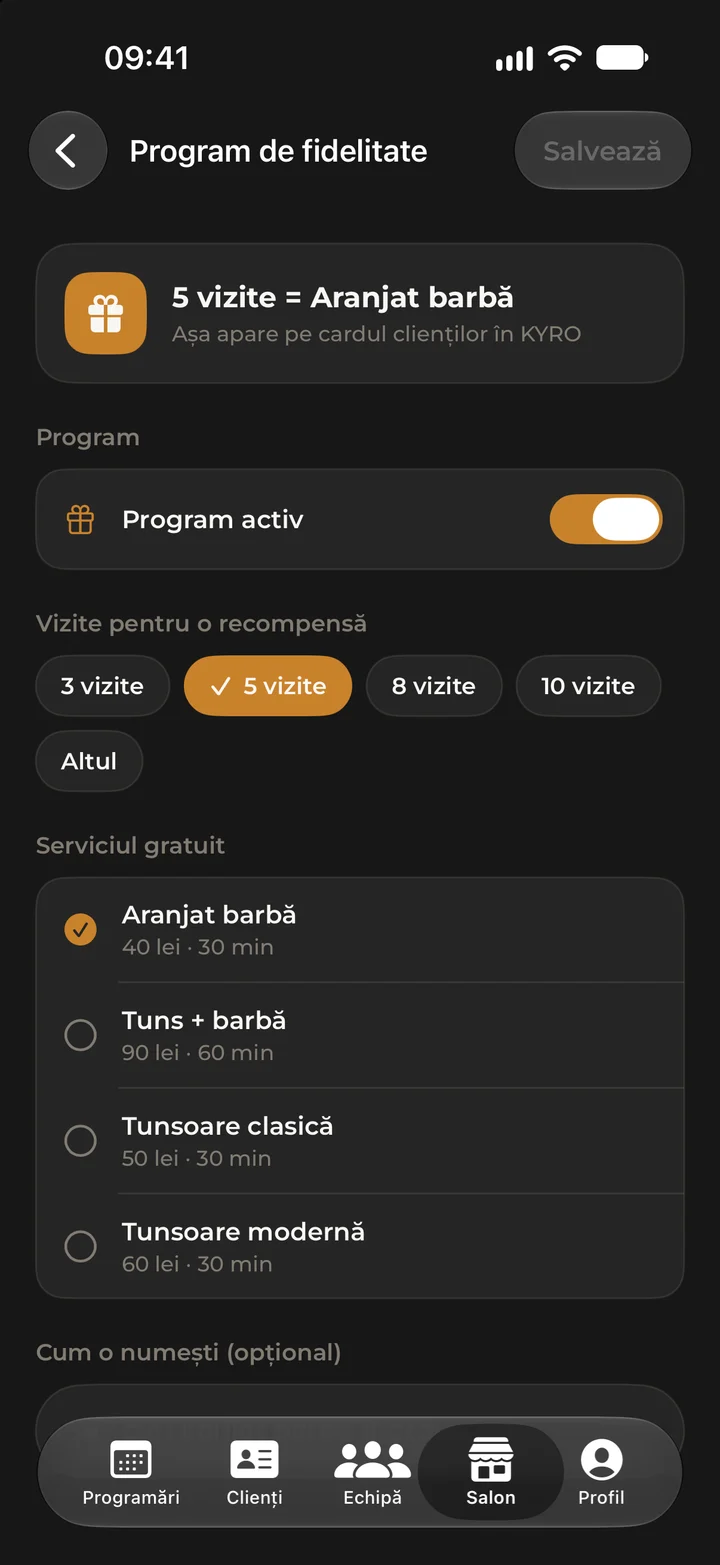
The loyalty card fills itself in.
Matei is here. At checkout you scan the card on his phone and the visit goes onto it. You set the rule: here, after 5 visits, a free beard trim. For regulars there are monthly memberships too, a set number of sessions at a lower price, paid at the salon.
-
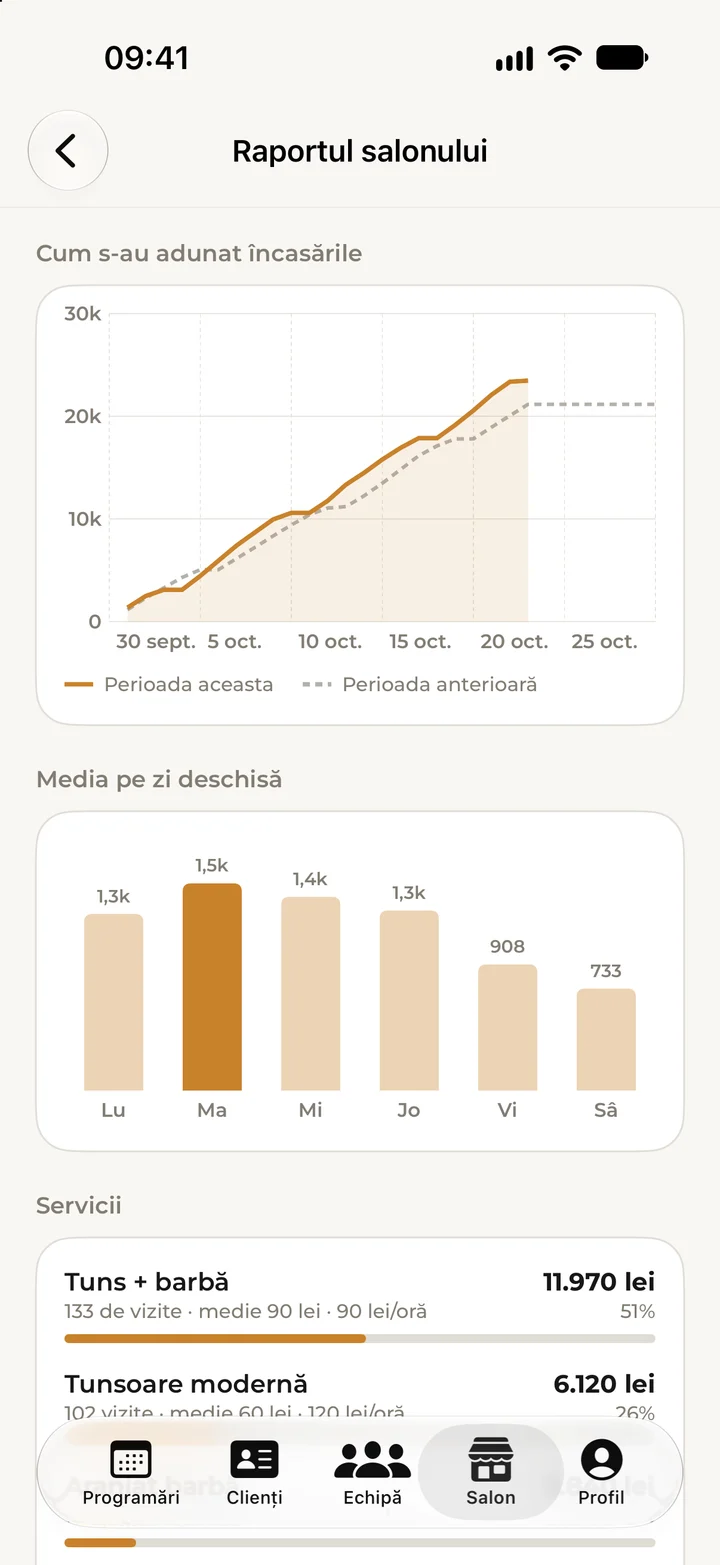
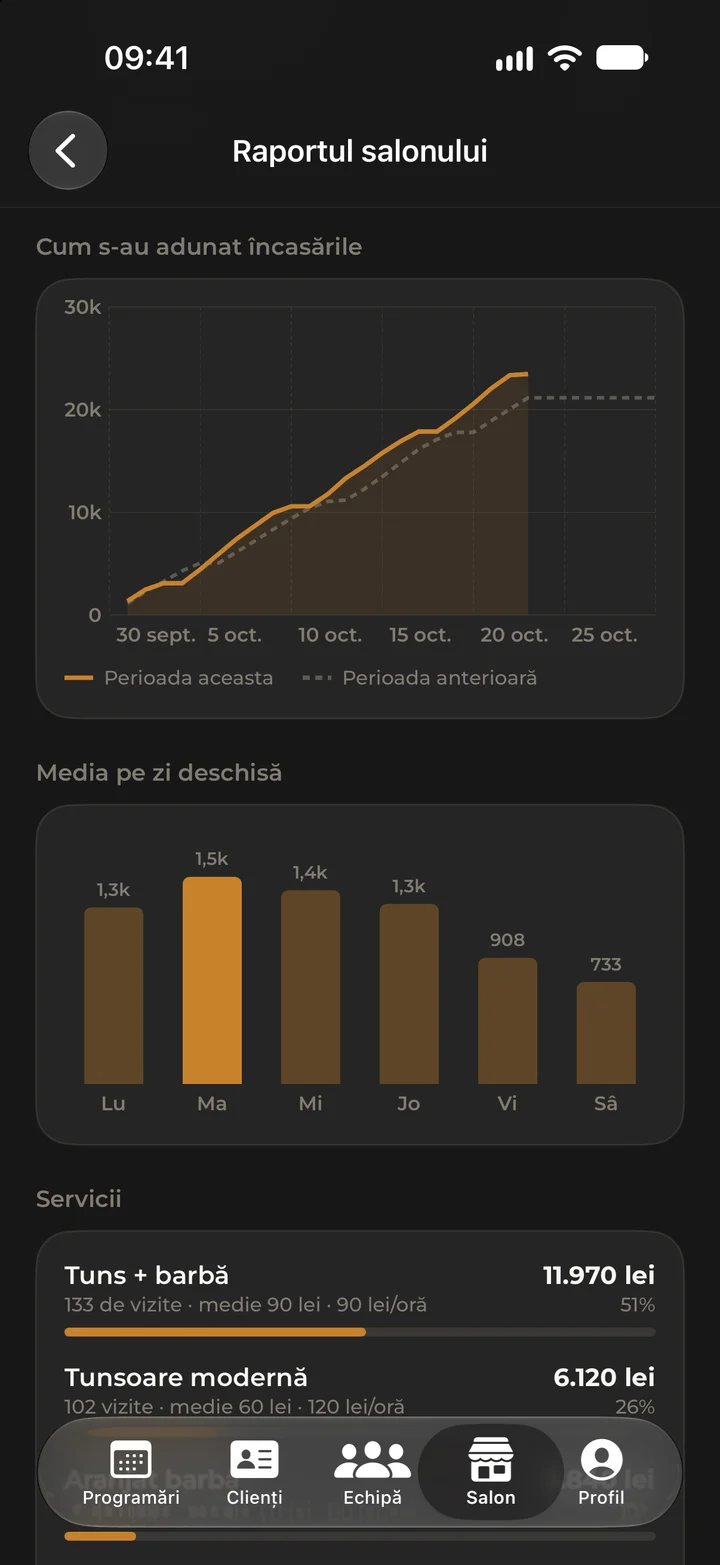
The last client pays. The sums are done.
You record the payment as cash or card, and Kyro keeps the record; the money never passes through the app. The report shows what the salon took and what each colleague took, by day and by service, how you compare with last month and what people ask for most. The owner sees everyone’s takings, each specialist only their own.
-
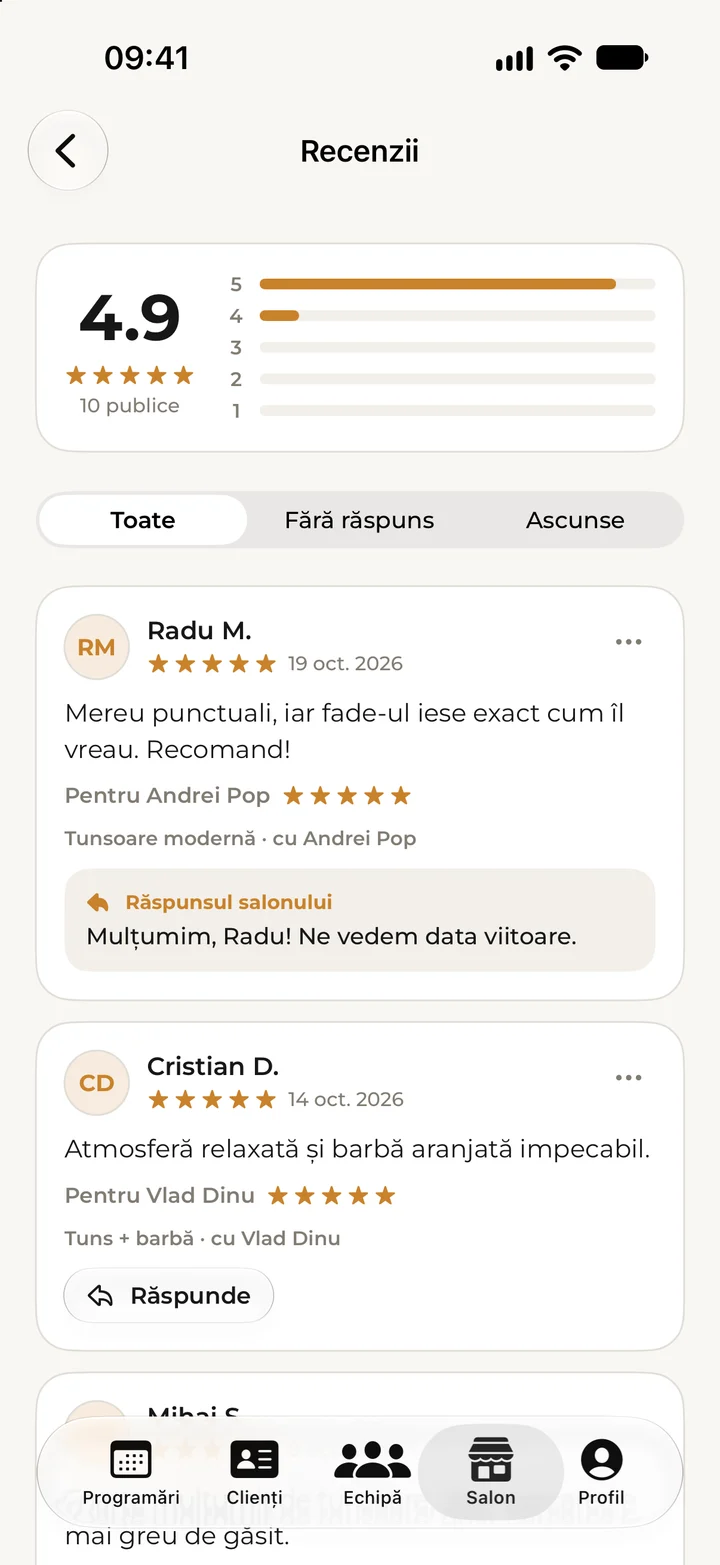
Lights off. The reviews stay.
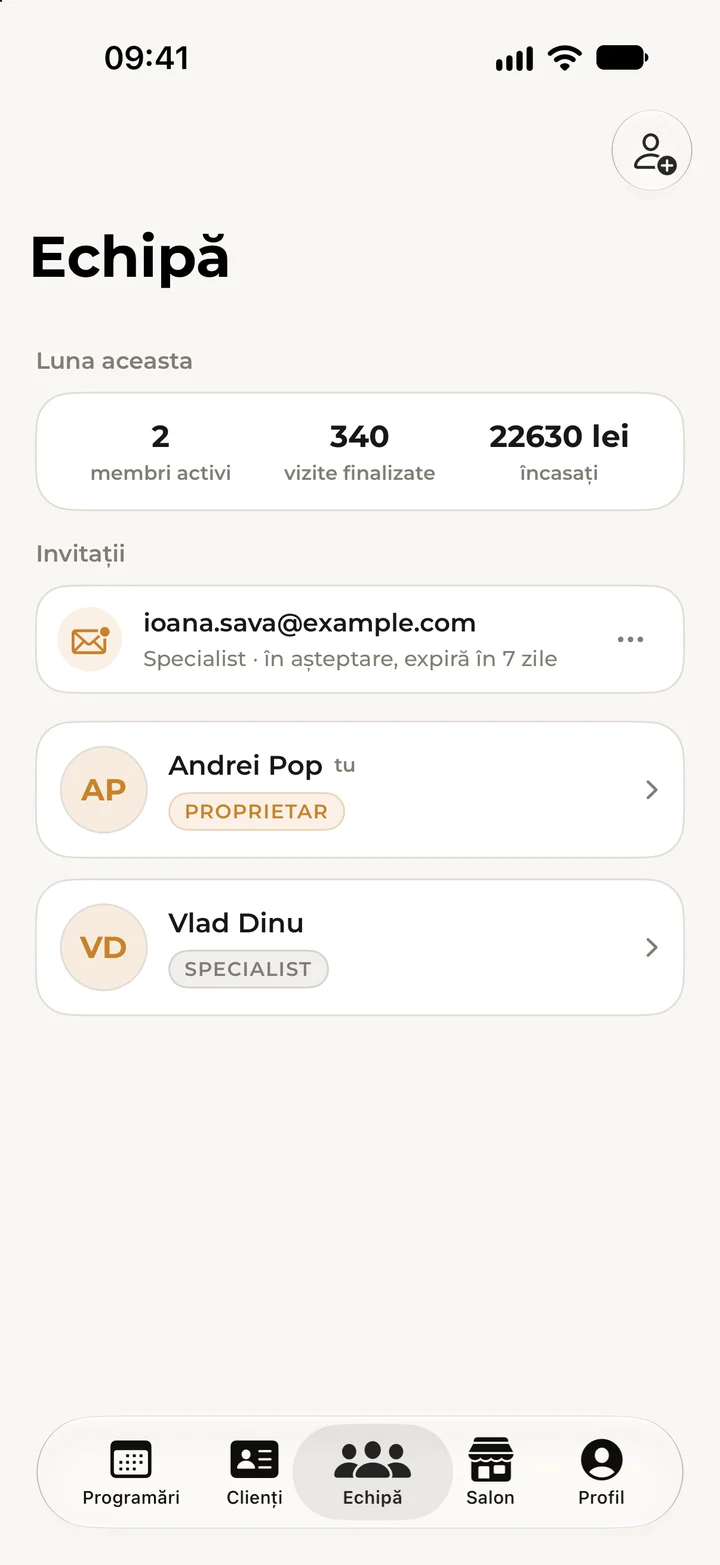
In the evening you see how the month went for the whole team and read what clients wrote. You reply publicly, and your answer appears under the review. Tomorrow a new colleague starts: they join the salon with the code sent to their email, on their own account.
20 EUR a month. The whole salon.
One plan, with the whole team and every feature included, no cost per person and no tiers. Kyro takes no commission: the client pays at the salon and the money never passes through Kyro. You start with a free trial, no card needed, then pay on the web, monthly, in advance, never in the app. A final price with no VAT: KYRO is not registered for VAT, so nothing is added on top.
Everything about price and paymentStart with an email.
Tell us your salon’s name and how many of you there are, and we’ll help you get going. In Kyro Studio you add your services, prices, opening hours and a few photos, and your colleagues join the salon with a code sent by email. To take bookings you only need your location on the map, your opening hours and at least one service.
Once we’ve checked your salon’s page, usually within one working day, you appear in Kyro and clients book themselves. Kyro Studio is for iPhone and is coming soon to the App Store; the Android version is on its way. Already on Kyro? Sign in here on the web too, with the same account as in the app.
See how clients find you.
Clients choose the service, the specialist and the time themselves, on kyrobooking.ro or in the Kyro app, with no phone calls and no lost messages.
Go to kyrobooking.ro