Everything Kyro Studio does.
In short, by category, with every detail underneath. Every feature is included in the price, for every colleague in the salon.
Calendar
The salon’s whole day on one screen, in a column per specialist or as a list. Bookings clients make land in place on their own, and clients who call or walk in take a few taps. To move an appointment, press and hold it and drag it to another time or colleague.
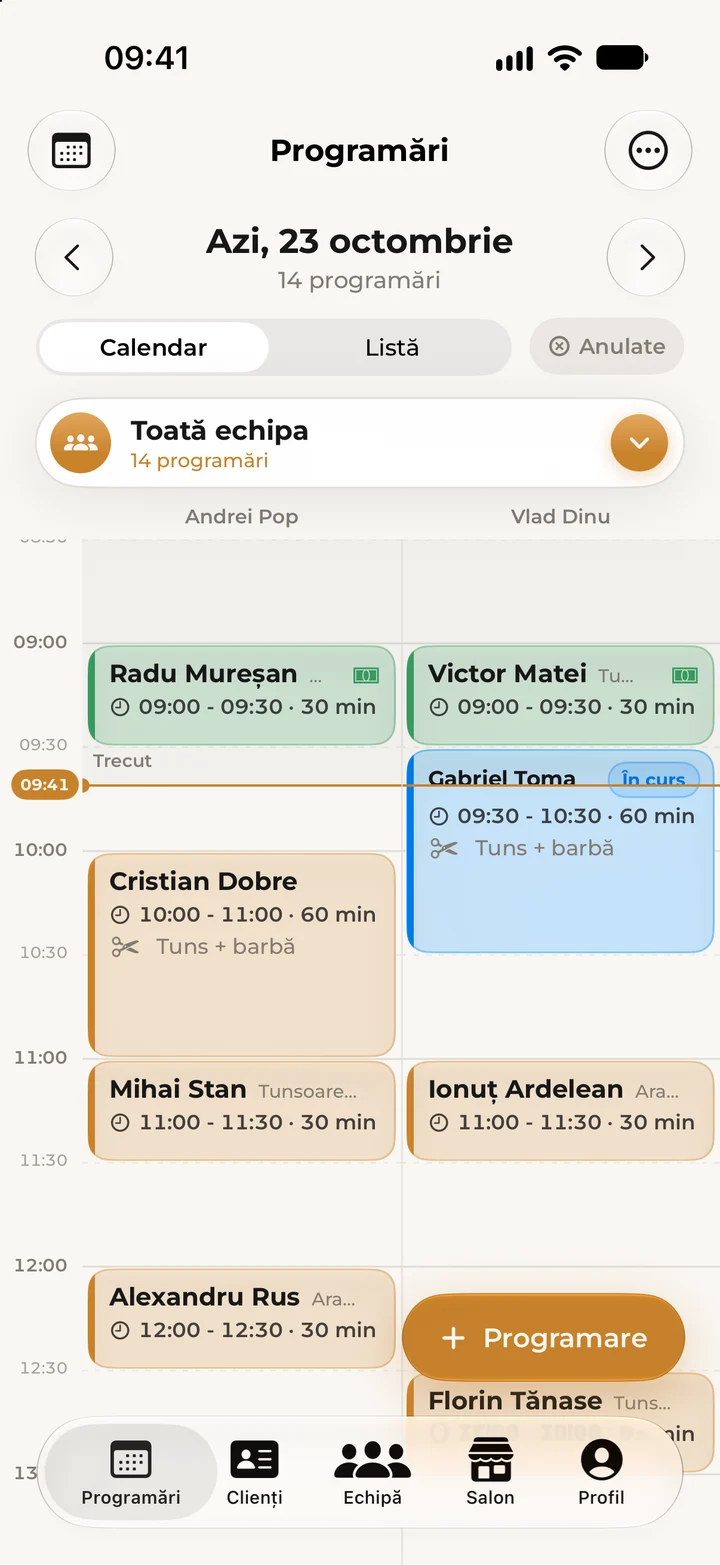
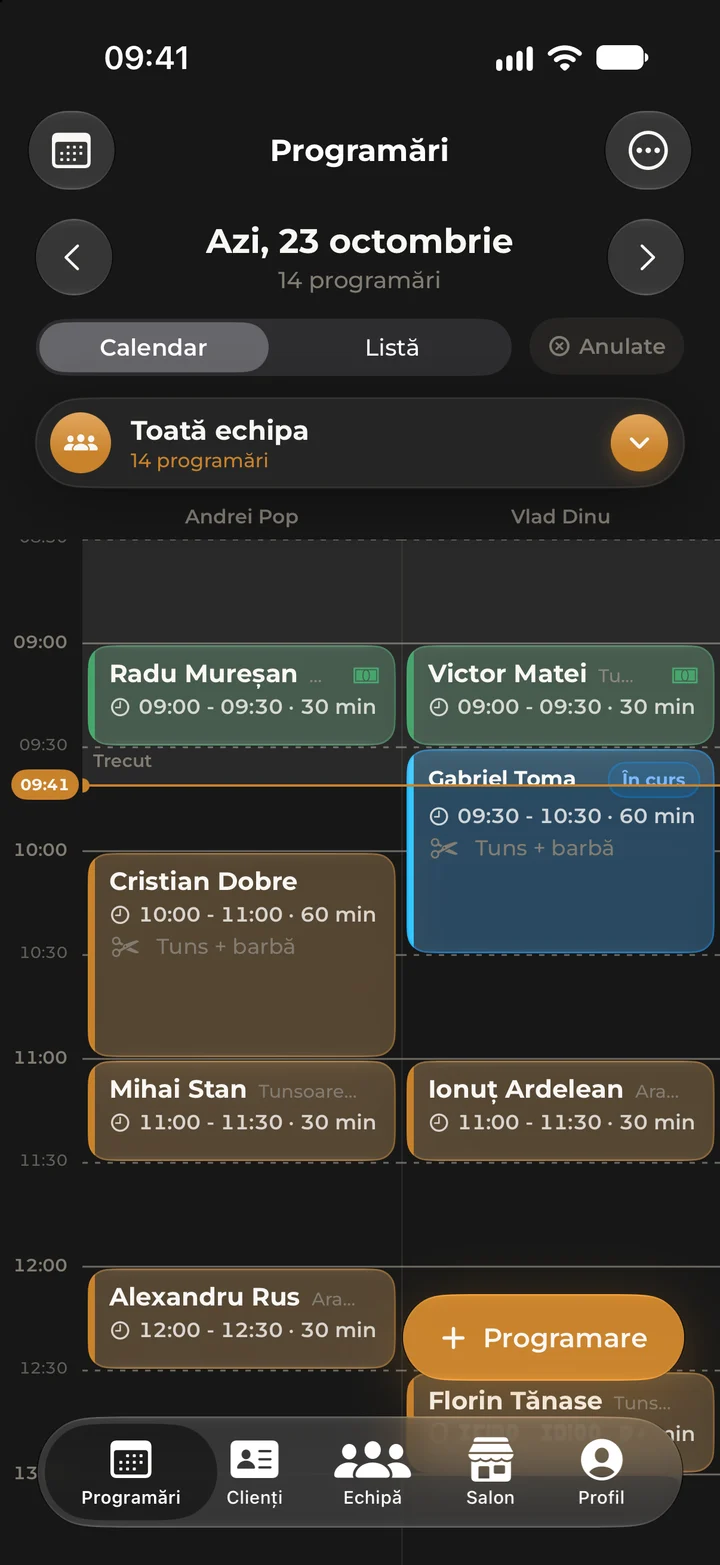
By team or by specialist
A column calendar or a list, with closed days marked and cancelled appointments one tap away.
New appointments in a few taps
For clients who call or walk in. If they have a Kyro account, the appointment shows in their app too.
Drag to move
Press and hold an appointment and move it to another time or another colleague.
Every appointment has a status
Pending, confirmed, arrived, in progress, completed, cancelled or no-show.
Breaks and days off
Block out time for breaks, holidays or days off, by the hour or whole days, and while the salon is closed no online bookings can be made. Booked clients get a notice in Kyro, and for a closure every client of the salon does. Existing appointments are never cancelled on their own: Kyro shows you what needs moving.
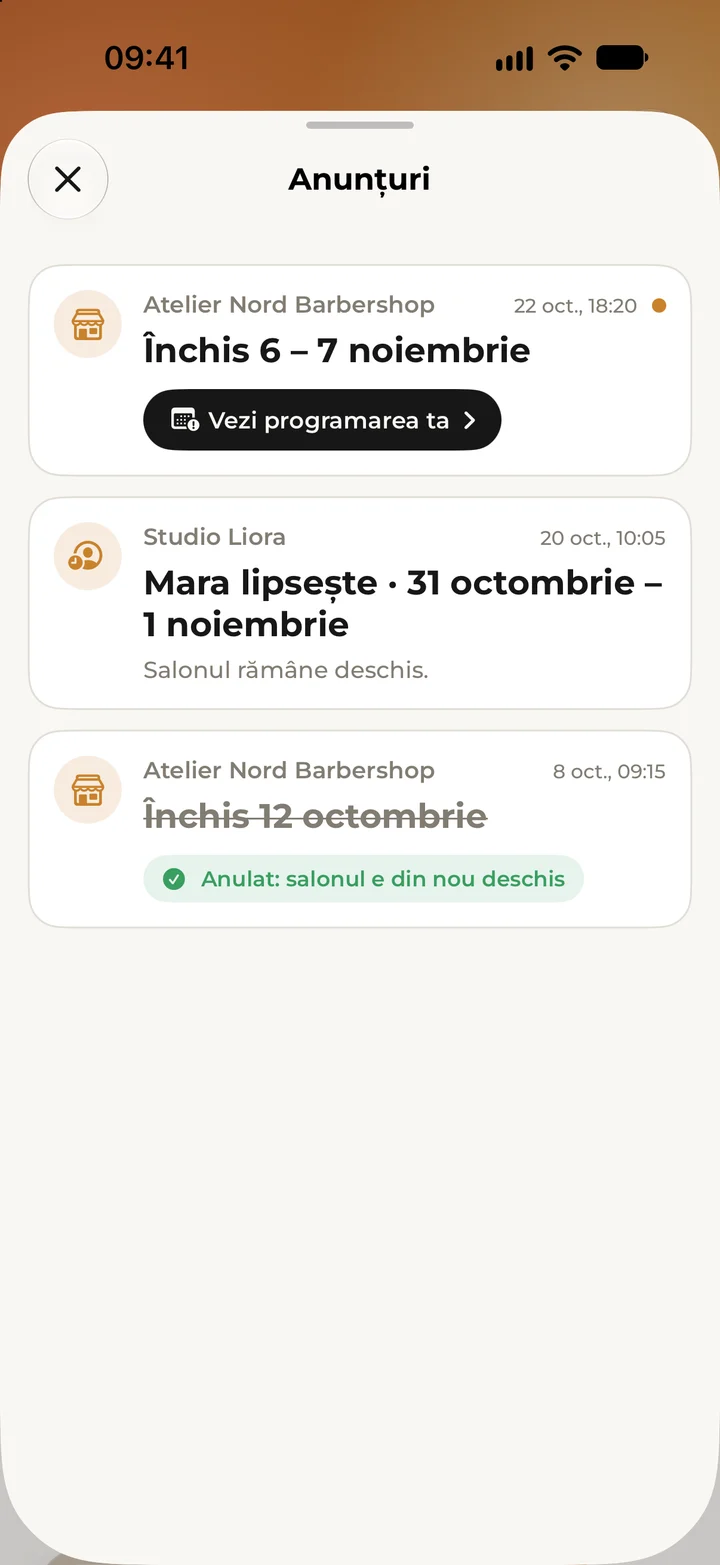
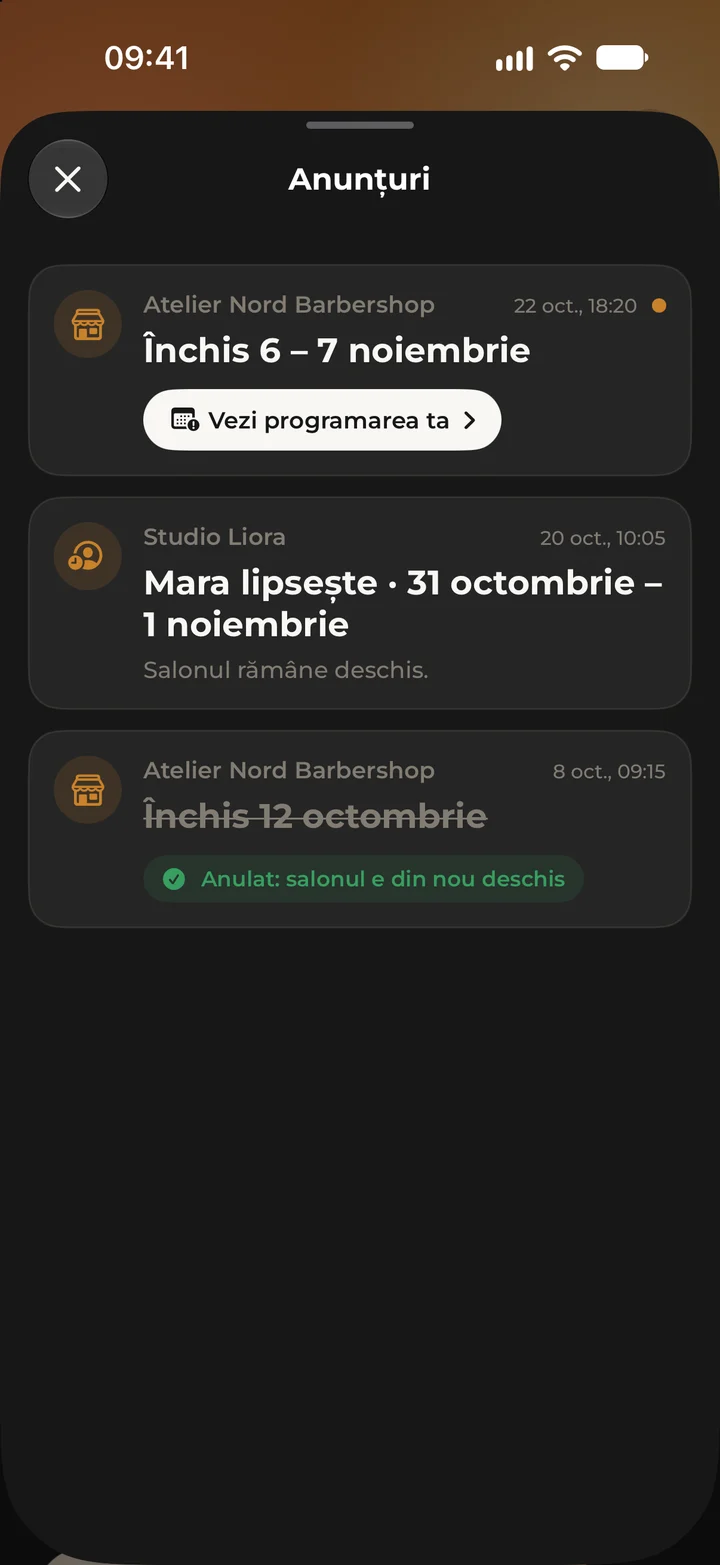
Blocked time
For breaks, holidays or days off, by the hour or whole days, up to 31 days.
Salon closed
Close the salon for a day or a period, and no online bookings can be made then.
Clients hear in time
Send a notice in Kyro to clients who are booked, or to every client of the salon for a closure.
Nothing disappears quietly
Existing appointments are never cancelled on their own. Kyro shows you what needs moving.
Clients
The client record tells you at a glance whether they are a regular or new, when they last came, how often they come back and what they like. It holds the colour formula and your private notes, which only your salon sees, and allergies, recorded only with the client’s consent, show as a warning on the record and the appointment. Call, text or message on WhatsApp straight from the record.
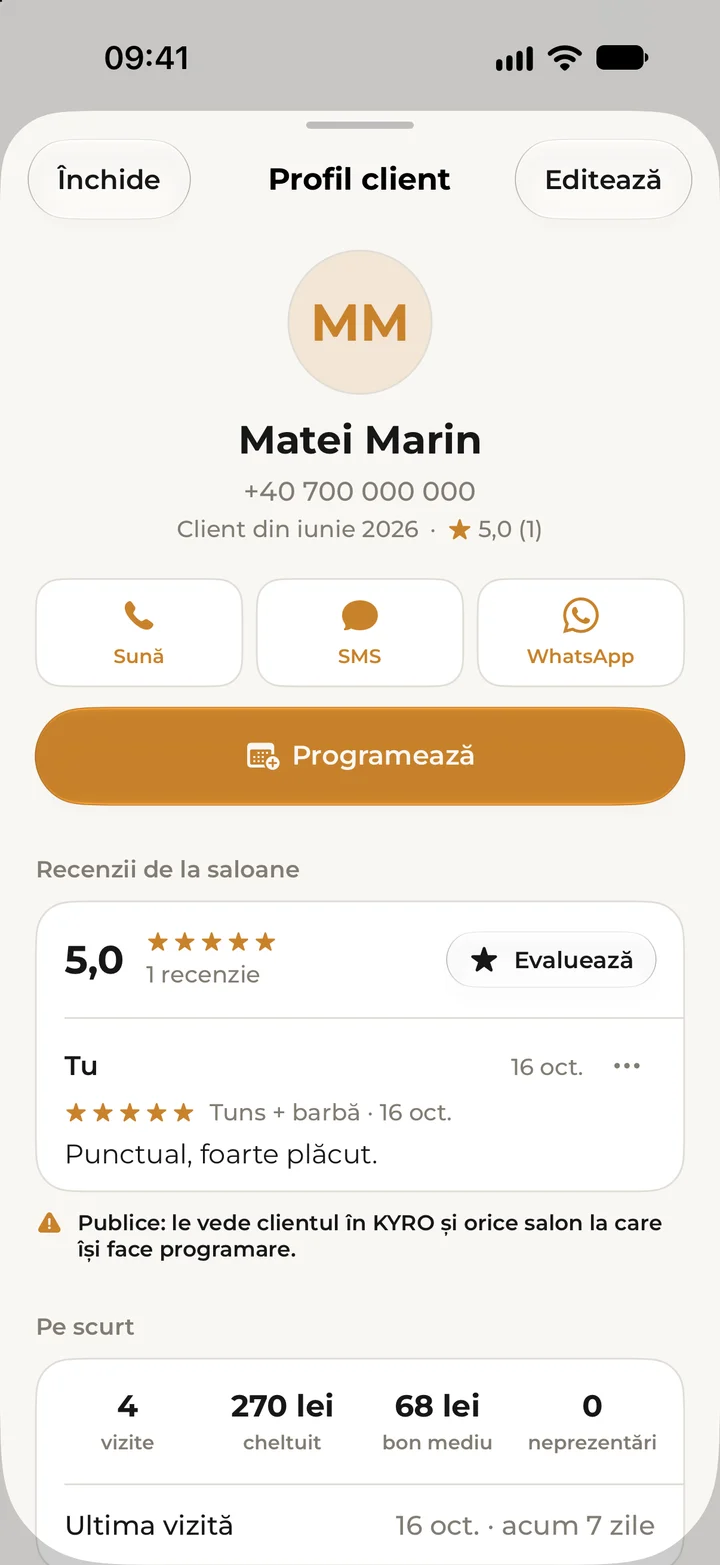
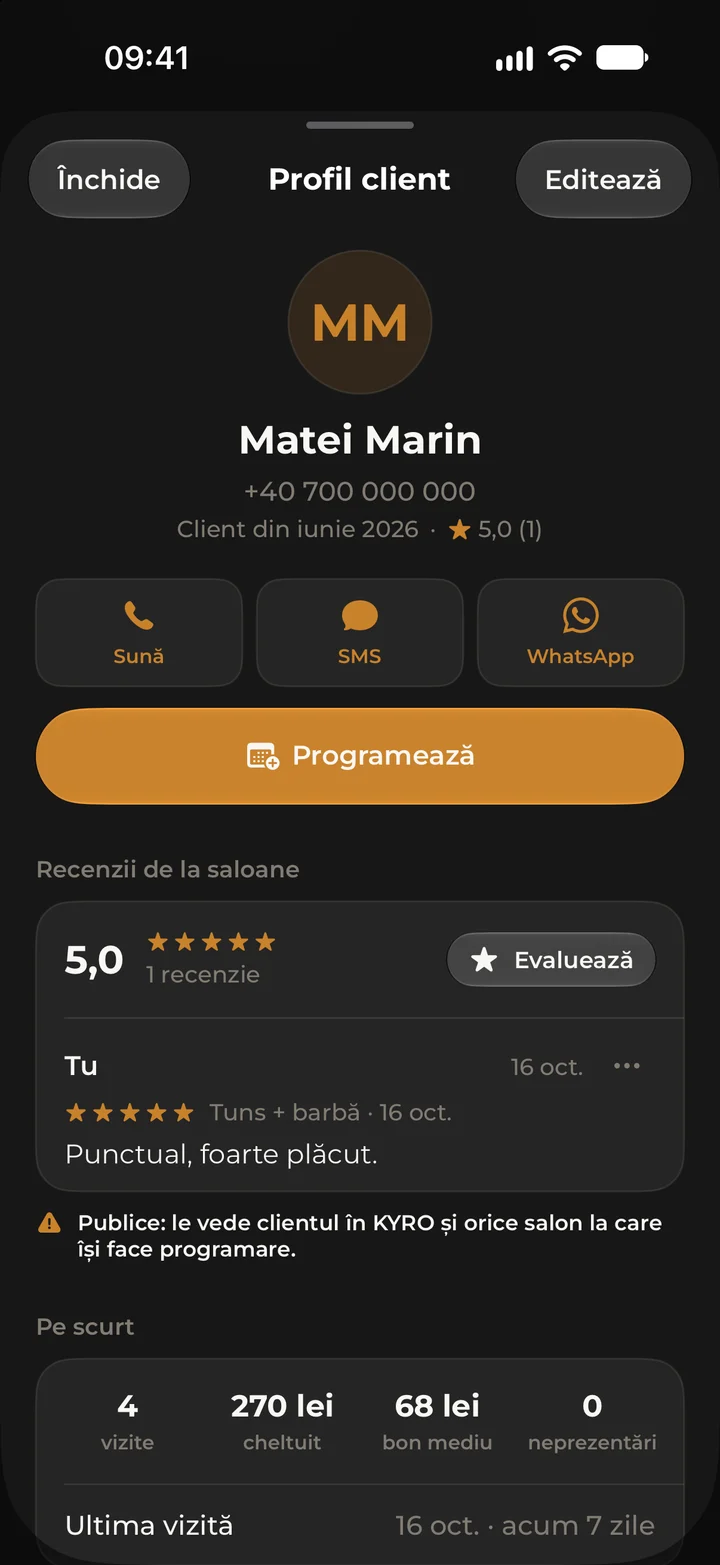
Client record
At a glance: loyal or new, last visit, how often they come back, favourite service and specialist.
Technical notes
The colour formula for hair salons and your private notes, visible only to your salon.
Allergies and intolerances
15 common substances, such as PPD, ammonia or latex, plus free text, recorded only with the client’s explicit consent, which you confirm in the app. The warning shows on the record, on the appointment and when you book.
Direct contact
Call, text or message on WhatsApp straight from the record.
Loyalty and memberships
Choose after how many visits the card is full and which service is free, and scan the card in the client’s app at checkout. For regulars there are monthly memberships too, a set number of sessions at a lower price, paid at the salon. What specialists propose appears in Kyro only once the owner or manager approves it.
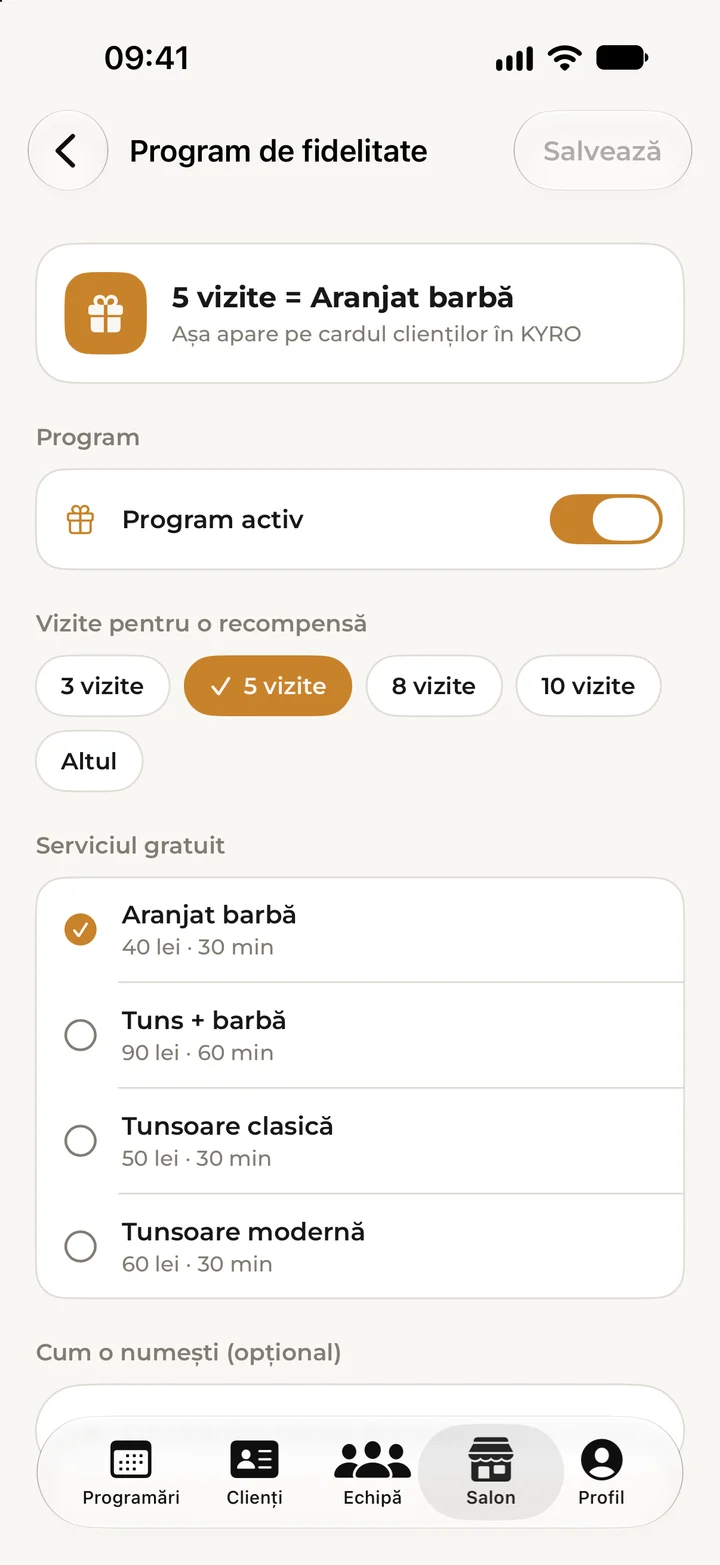
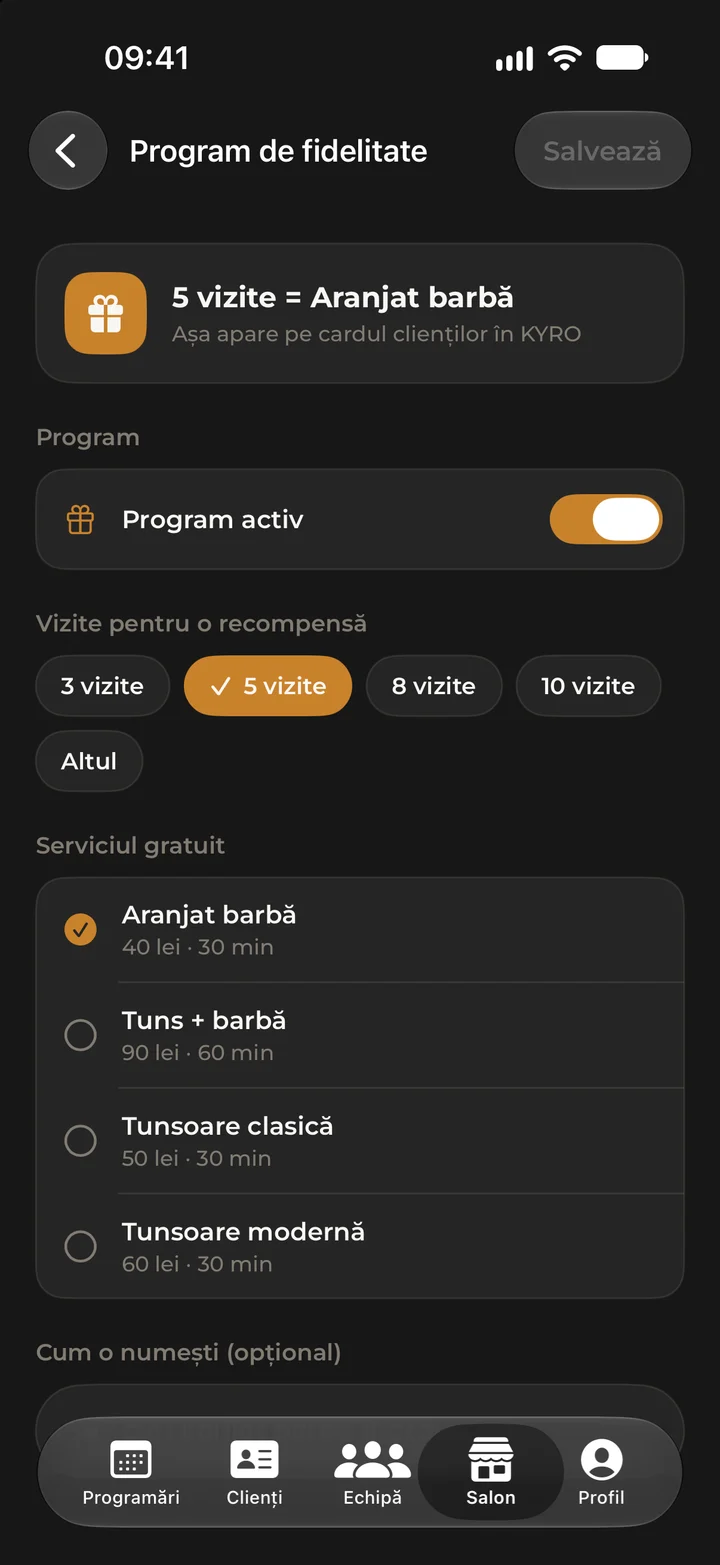
Loyalty programme
You choose the number of visits and the free service.
Scan at checkout
With the phone’s camera, from the card in the client’s app, or by typing the code.
Monthly memberships
A set number of sessions a month at a lower price. The client pays for the month at the salon.
Approved by the salon
What specialists propose appears in Kyro only after the owner or manager approves it.
Takings
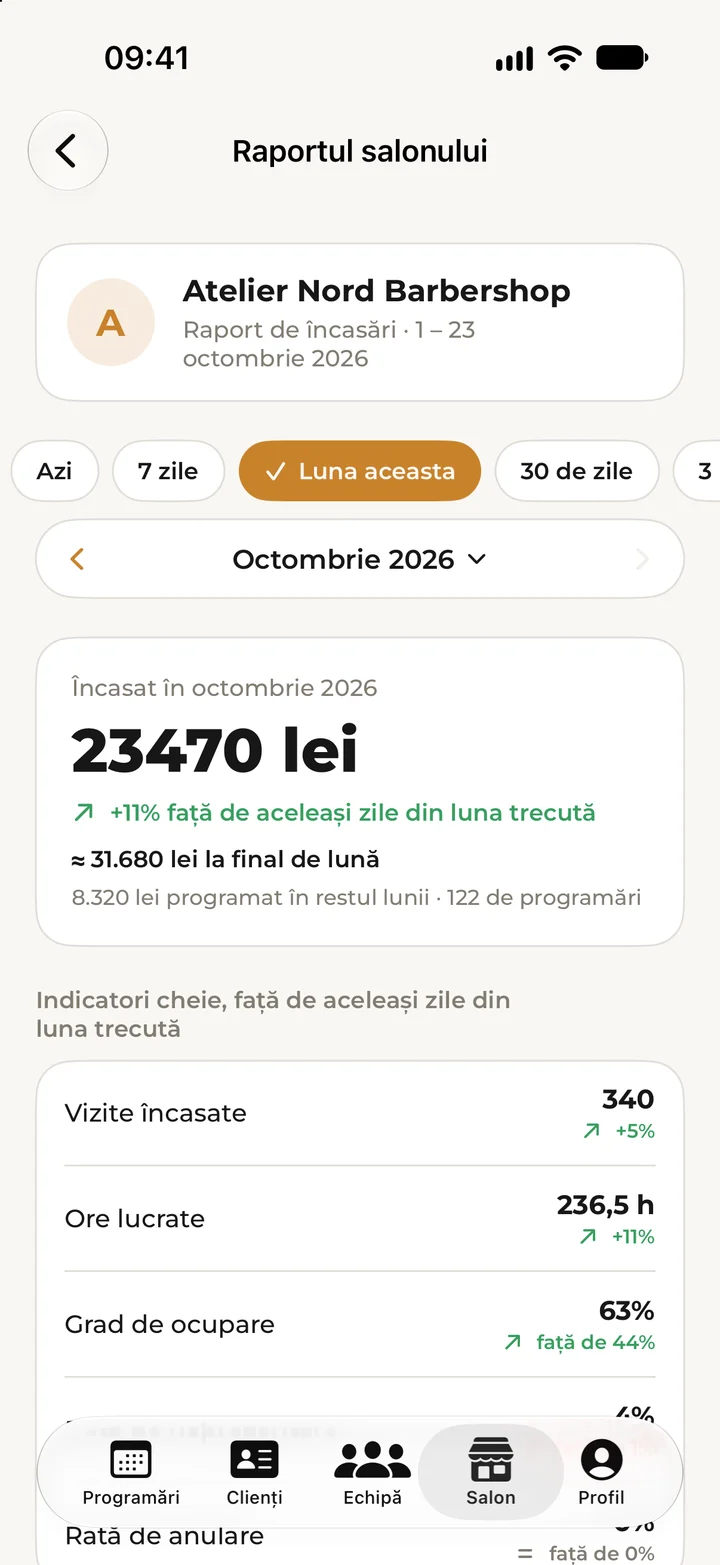
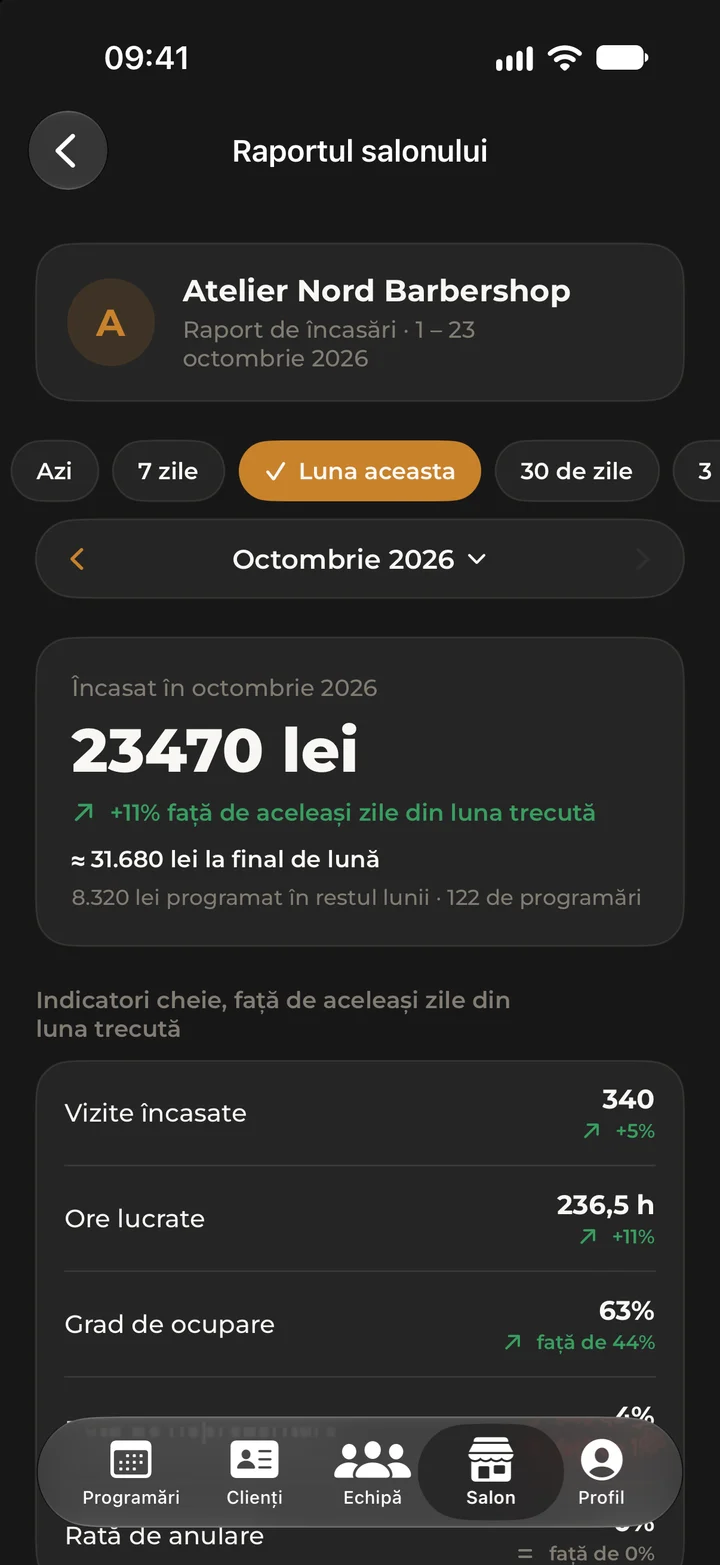
At the end you record the payment as cash or card: Kyro keeps the record, and no money passes through the app. The monthly report shows the total, the comparison with last month, where the month is likely to end, occupancy, no-shows and how many new clients came. If you work on commission, set each colleague’s percentage.
Check out at the end
Record the payment as cash or card. Kyro keeps the record, and no money passes through the app.
Monthly report
Total, comparison with last month, an estimate for the end of the month, occupancy and the no-show rate.
Your clients in numbers
How many new clients you had, how many came back and who comes most often.
Commission
If you work on commission, set the percentage for each colleague.
Salon page
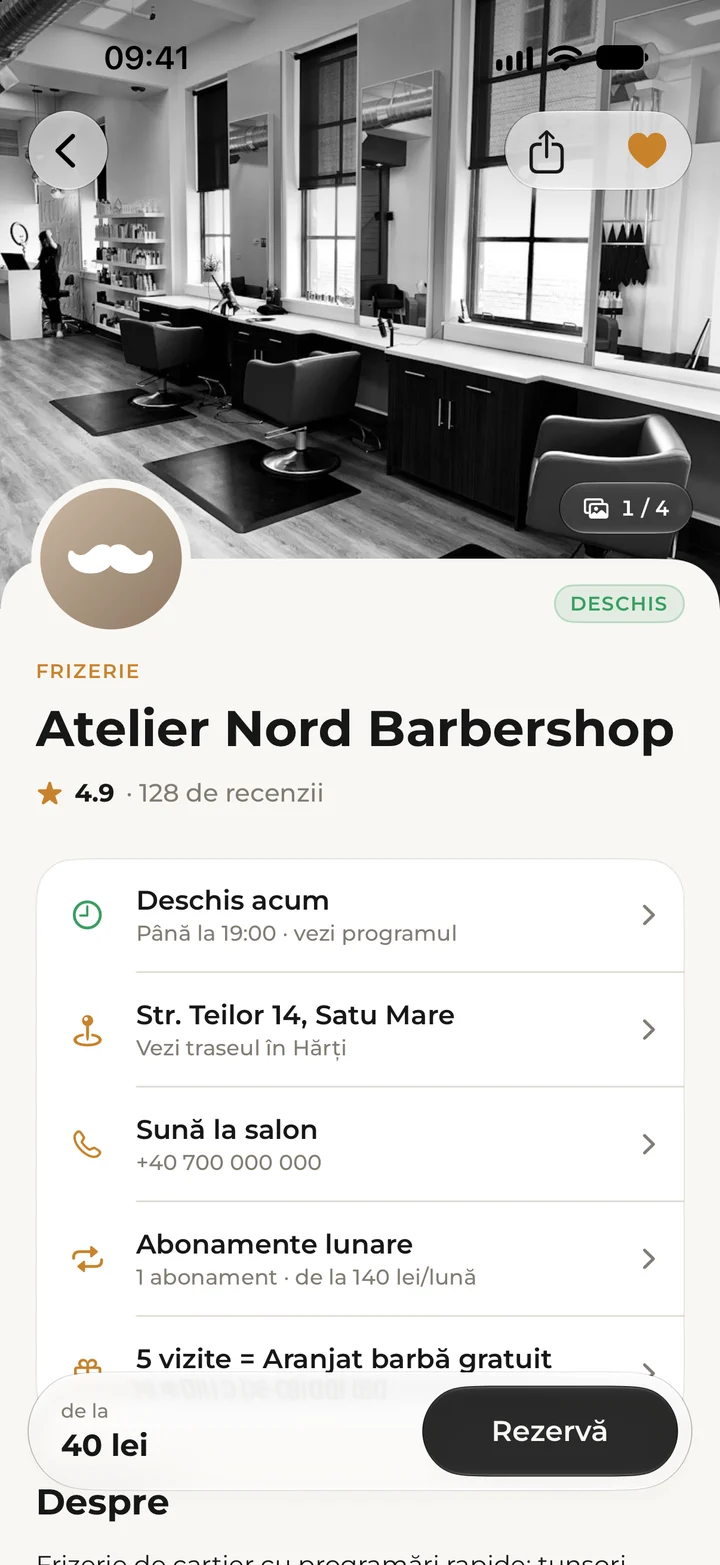
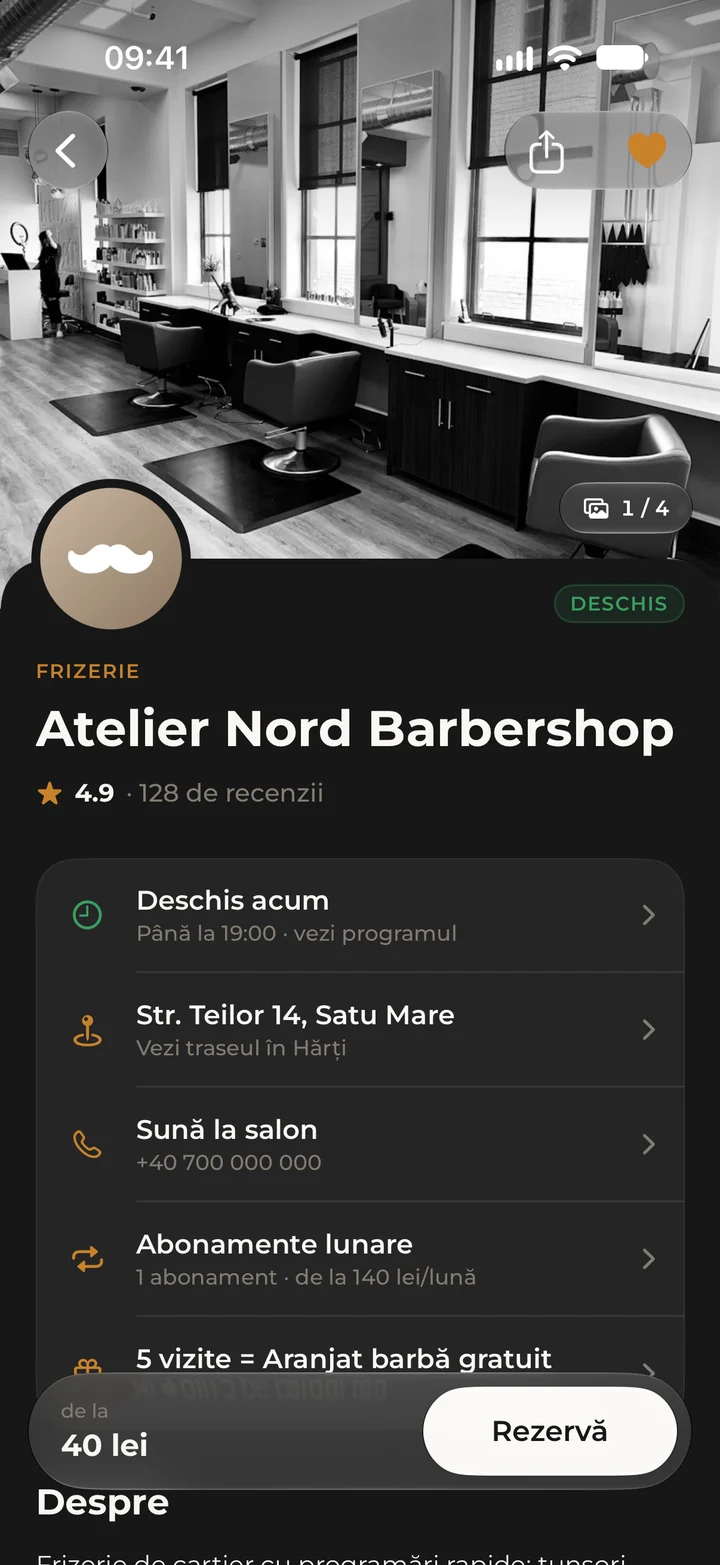
The page clients see in Kyro: a description, up to 30 photos, opening hours, your place on the map and your services, with price in lei and duration. Choose until when clients can cancel for free and write your salon’s policy. You also get a booking link for Instagram, Facebook or Google.
Full profile
Description, up to 30 photos, opening hours, map location and amenities.
Services and prices
Price in lei, duration, category and who does each service.
Cancellation rules
Choose until when clients can cancel for free and write your salon’s policy.
Booking link
A link for your Instagram bio, Facebook page or Google profile.
Team
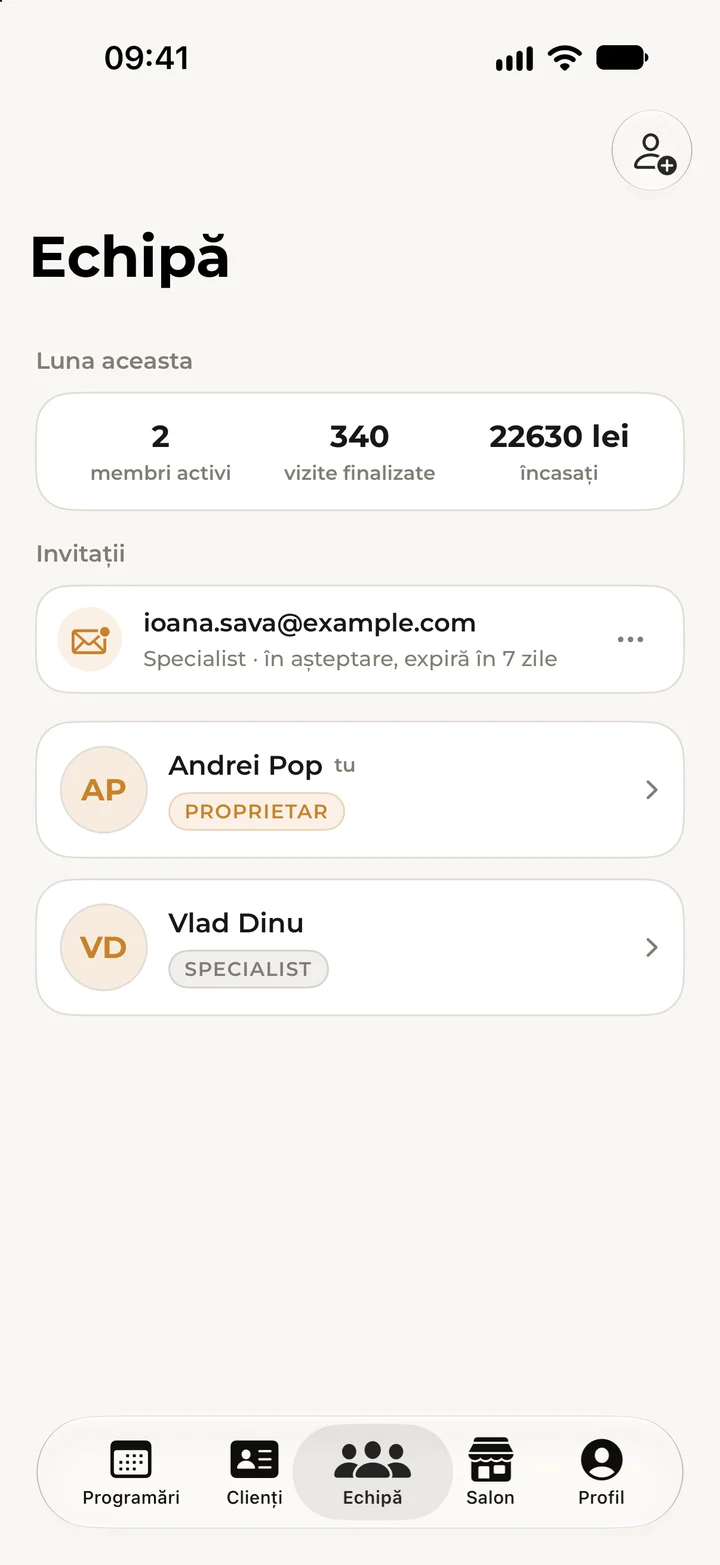
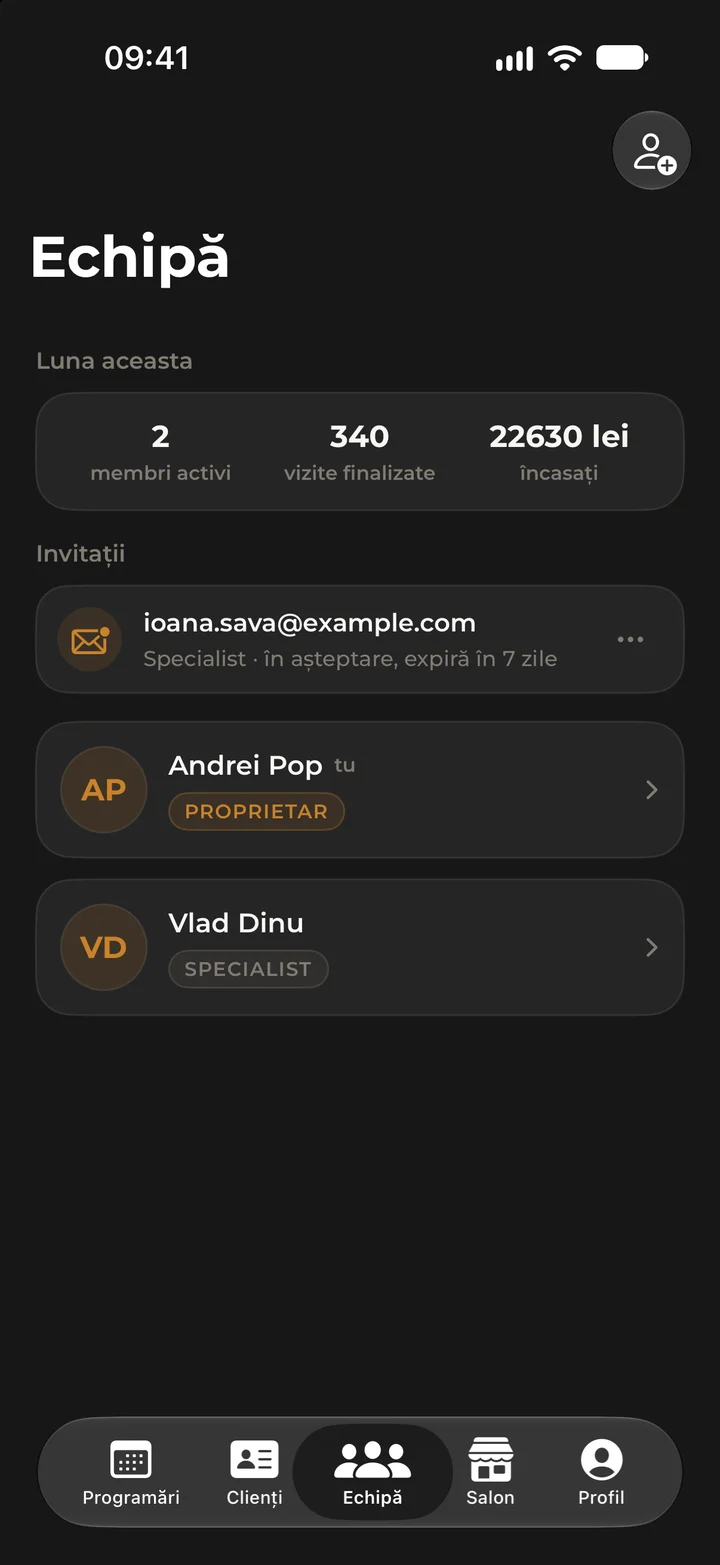
Invite a colleague with a code sent by email and choose their role: owner, manager, specialist, booth renter or reception. Choose the services each person does, so they only get the right appointments. Anyone who works in two salons switches between them with one tap, on the same account.
Invitations by code
Your colleague gets a code by email, valid for 7 days and tied to their address.
Five roles
Owner, manager, specialist, booth renter or reception.
Several salons, one account
Anyone who works in two salons switches between them with one tap.
Who does what
Choose each colleague’s services, so they only get the right appointments.
On the web
Sign in on this site with the same account as in the app and see what’s happening in the salon on a big screen. Bookings and payments are still recorded in the app. Everyone sees only what their role allows.
Sign inOverview
What needs a look today, this month’s takings against last month, and the next bookings.
Bookings
Today, tomorrow or the week, day by day, with each booking’s status.
Takings
The month’s report, the same numbers as in the app: by day, service, payment method and team.
Clients
Client records, searchable by name or phone.
Team
Who works in the salon and, for the owner, what each person took this month.
Reviews and subscription
The salon’s rating, unanswered reviews and the state of your Kyro Studio subscription.
Everyone sees what concerns them.
When you invite someone to the salon you choose their role. You can change it at any time. The owner sees and runs the whole salon, and a manager runs it without the takings totals. A specialist works with their own appointments and clients, a booth renter rents a chair and keeps their own takings, and reception books appointments for the whole team.
What each role can do, point by point
| What they can do | Owner | Manager | Specialist | Booth renter | Reception |
|---|---|---|---|---|---|
| The team calendar | Yes | Yes | Own column only | Yes | Yes |
| Book for colleagues | Yes | Yes | No | Yes | Yes |
| The salon’s clients | Yes | Yes | Own clients only | Own clients only | Yes |
| Check out and scan loyalty cards | Yes | Yes | Own appointments | Yes | Yes |
| Their own income report | Yes | Yes | Yes | Yes | No |
| The salon’s and colleagues’ takings | Yes | No | No | No | No |
| Hours, services, closures and the salon page | Yes | Yes | No | No | No |
| Invite colleagues and choose their role | Yes | Not owners or managers | No | No | No |
| Memberships and loyalty programmes | Create and approve | Create and approve | Propose them | Propose them | No |
| Reply to reviews | Yes | Yes | No | No | No |
| Report a review | Yes | Yes | Yes | Yes | Yes |
| Block out their own time off | Yes | Yes | Yes | Yes | Yes |
Questions about Kyro Studio
Do my clients need the Kyro app?
No. You can also put clients who call or walk in into the calendar. If they have a Kyro account, the appointment shows in their app too.
Does money pass through Kyro?
No. The client pays at the salon, and in Kyro Studio you just record the payment, as cash or card, for your records and reports.
I work in several salons. Do I need several accounts?
No. One account can belong to several salons, and you switch between them with one tap.
Who owns the clients’ data?
The salon. Kyro processes it only on your behalf, under the data processing agreement.
Which phones does Kyro Studio work on?
iPhone. The Android version is on its way.
Can I see my salon on a computer too?
Yes. Sign in on this site, at Sign in, with the same account as in Kyro Studio. Everyone sees only what their role allows. Bookings and payments are still recorded in the app.
All of it, for 20 EUR a month.
One plan for the whole salon, however many of you there are. Leave us your salon’s details and we’ll call to get you started.
Thanks! We’ll call you within one working day.
Coming from another app? We move your services over for free.
or write to us at salut@nicolas-tech.com